
Pegas Smart CAM
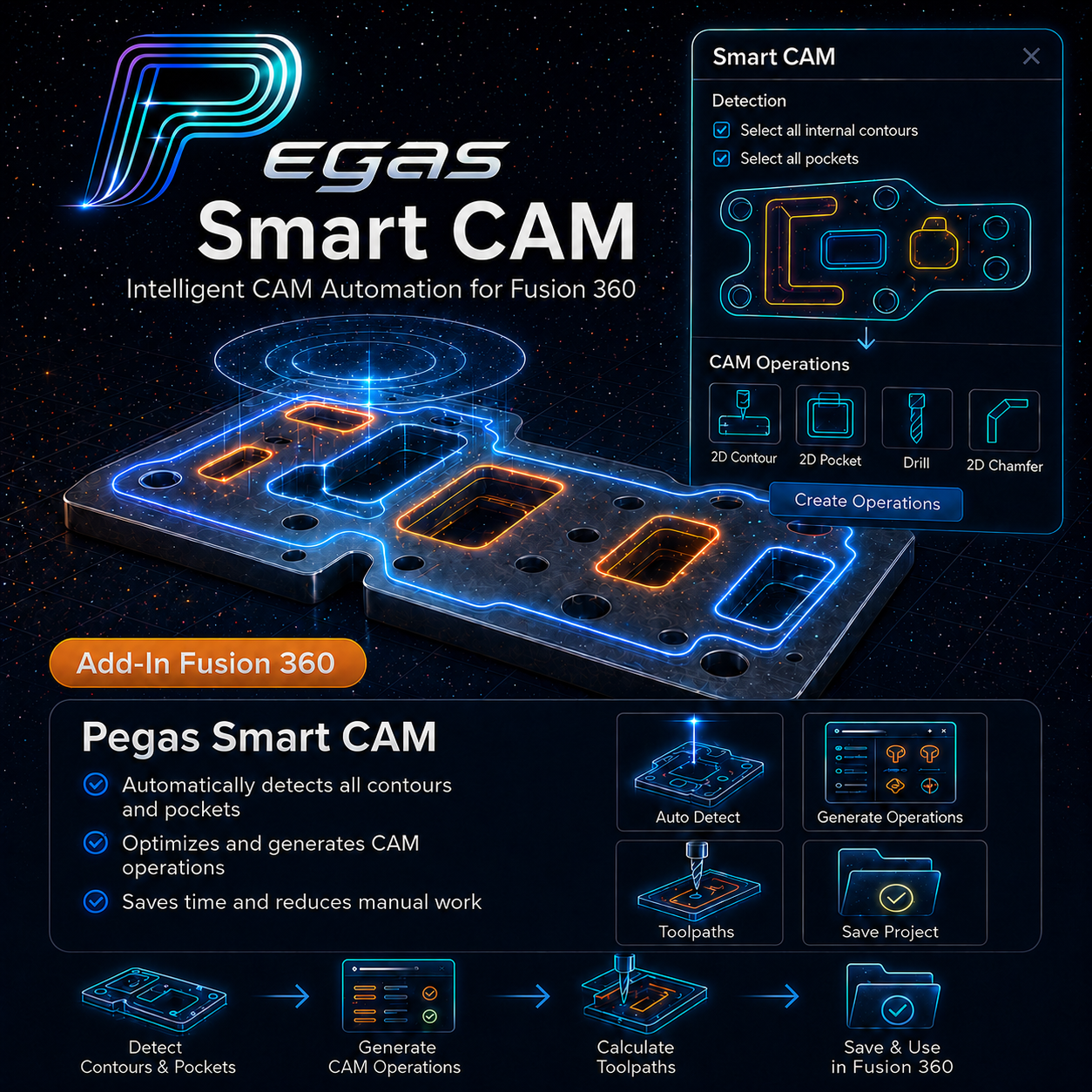
Pegas Smart CAM — Batch Geometry Selection, Cut Order Control & Workshop PDF Generator for Fusion 360
Pegas Smart CAM is a professional CAM automation, geometry recognition, and production reporting add-in for Autodesk Fusion 360 (Manufacture workspace). It turns tedious geometry selection into a structured, editable list, optimizes cutting sequences, and generates shop-ready PDF Workshop Packs and printable sticker labels directly from your CAD/CAM data.
The Problem: Hours Spent Clicking Geometries in Fusion CAM
Setting up 2.5D CAM toolpaths for flat-panel parts or cabinet assemblies in Autodesk Fusion 360 is painfully repetitive. CNC programmers spend hours clicking dozens of outer perimeters, finding matching pockets, and manually setting up operations. Worse yet, native Fusion CAM cut ordering is rigid, causing unnecessary rapid machine moves across the table and wasting valuable spindle time.
The Agitation: Production Bottlenecks and Missing Shop Floor Info
When geometry selections fail or cut sequences jump erratically across sheets, tool breakage and part shift risks skyrocket. Even after CAM programming is complete, another major bottleneck begins: shop floor operators receive no clear visual drawings or labels, leading to assembly confusion, misplaced parts, and costly re-cuts.
The Solution: Automated Recognition, Cut Reordering & PDF Reports
Pegas Smart CAM solves both CAM programming and shop documentation. The add-in automatically gathers inner/outer contours with tool-diameter awareness, searches similar pockets by Z-tolerance and shape variance, and provides interactive cut reordering (Classic, Smart, Nearest algorithms). In v1.1 Production, it generates PDF Workshop Packs with Pocket Maps and exports printable A4/A3 sticker label sheets in one click.
🟢 Key Capabilities & Workflow
- Master CAM Operation Templating: Select your proven CAM operation as a master template and apply it across batch geometries.
- Auto Add Contours & Auto Similar Pockets: Instantly recognize inner cutouts, outer boundaries, and matching pocket depths within configurable tolerances.
- Picked Items Staging Window: Review, filter, reorder, and selectively apply geometries to CAM operations before execution.
- Cut Sequence Optimization: Reorder toolpaths using Classic, Smart (with Smart Reason cards), or Nearest-neighbor algorithms.
- Production PDF Workshop Packs: Export shop-ready PDFs with Pocket Maps, detail lists, thickness grouping, and enlarged detail extra pages.
- Printable Part Labels: Generate A4/A3 sticker sheets with custom fields, grid layout editing, and printer calibration offsets.
🟢 Workflow Comparison: Manual Setup vs. Pegas Smart CAM
| Task | Traditional Manual Method | Pegas Smart CAM Method |
|---|---|---|
| Contour & Pocket Selection | Clicking 50+ perimeters and pockets manually (30–45 min). | Auto Add & Auto Similar batch selection under 10 seconds. |
| Cut Sequence Ordering | Rigid native ordering causing erratic rapid table jumps. | Optimized path sorting (Classic, Smart, Nearest) + drag-and-drop. |
| Workshop PDF Documentation | Manual sketches or external CAD export for shop floor notes. | Automated Workshop Pack PDFs with Pocket Maps & extra detail pages. |
| Part Sticker Labels | Hand-writing part names or using third-party standalone software. | Direct A4/A3 label sticker PDF generation with printer calibration. |