
Pegas SmartSelections + CAM — Batch Geometry Selection for Fusion 360
Automation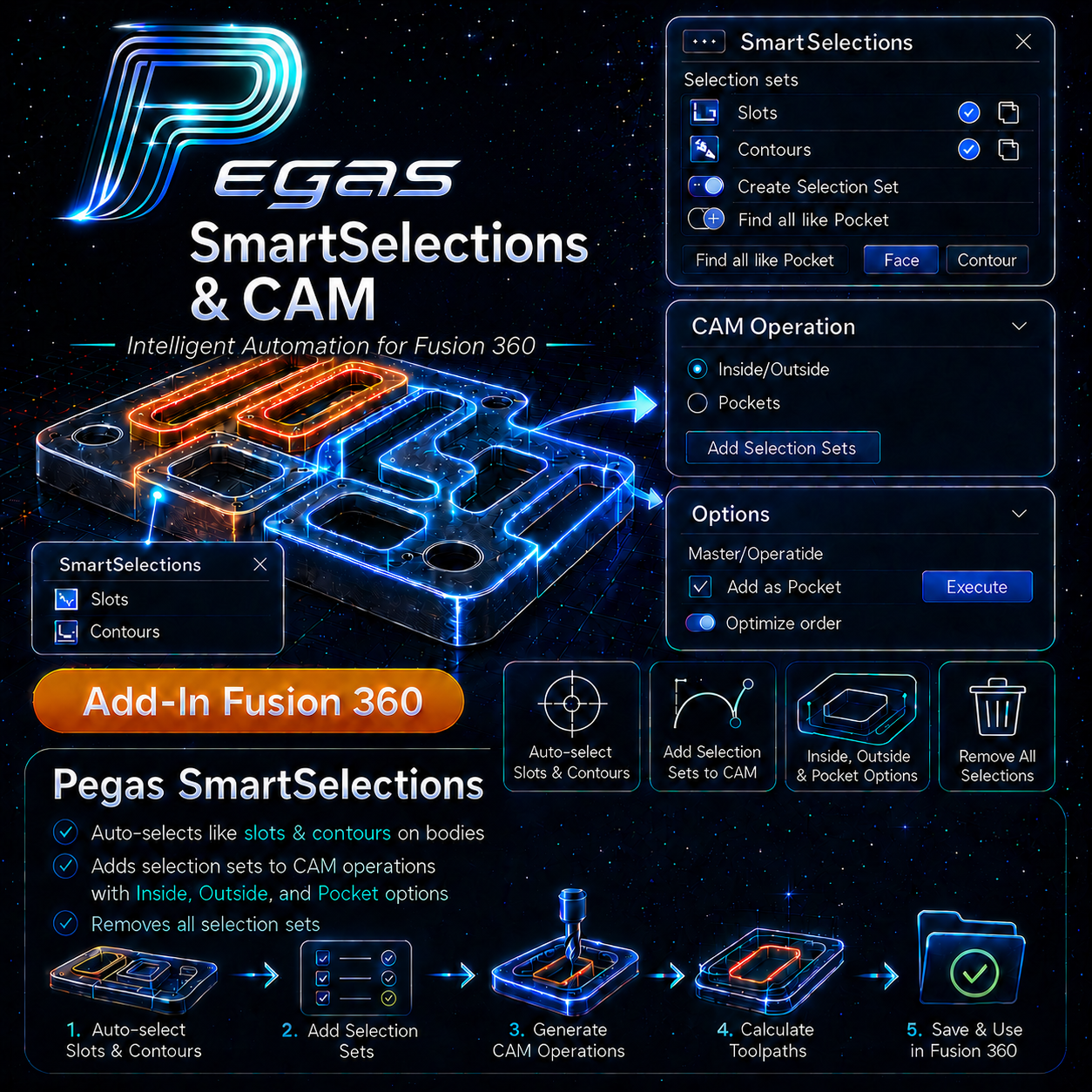
Pegas SmartSelections + CAM — Batch Geometry Selection for Fusion 360
The Problem: Click Fatigue and Lost Selections in CAM Programming
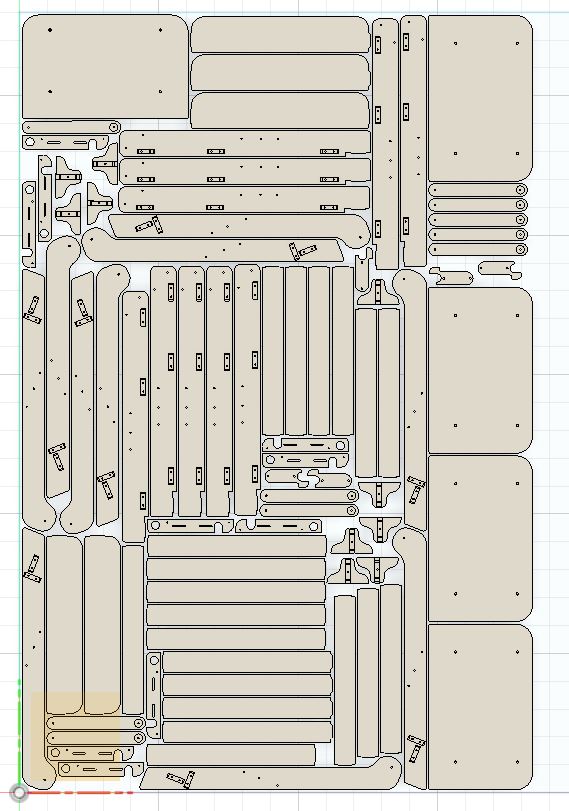
Clicking every single contour, pocket, and slot to program CAM toolpaths in Fusion 360 is a major bottleneck. If a cabinet layout contains 40 shelf pin holes or 20 cabinet back slots, you must click each one individually. Worse, when the CAD model changes, Fusion often loses the reference geometry, showing red warning flags and forcing you to re-click everything.
The Agitation: High Risk of Human Error and Scrapped Parts
Manually selecting dozens of identical holes leads to click fatigue. It is easy to miss a single slot or pocket, which is only discovered on the CNC router when the parts are cut incorrectly. Re-programming and running parts again wastes expensive sheets of wood and delays production.
The Solution: One-Click Similar Contour Grouping and Selection Sets
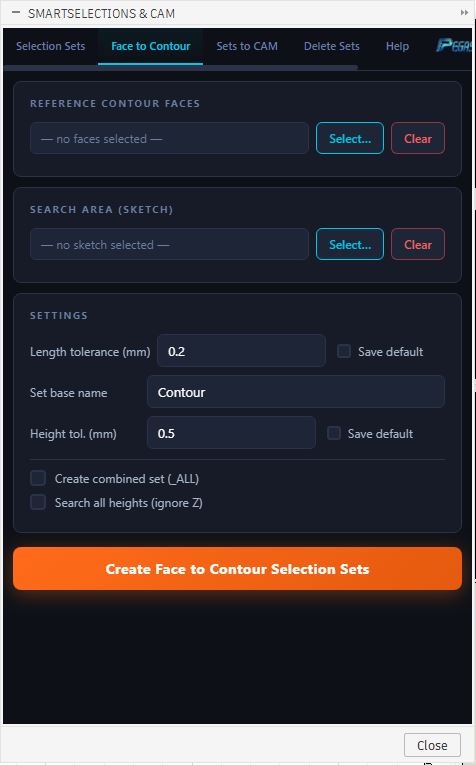
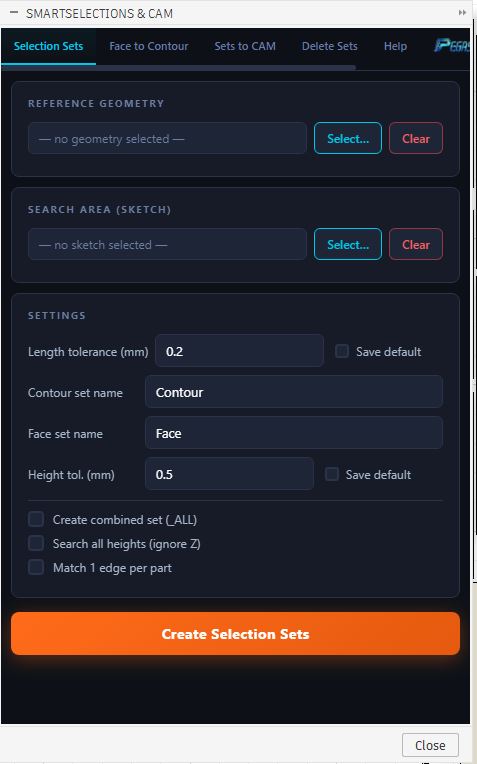
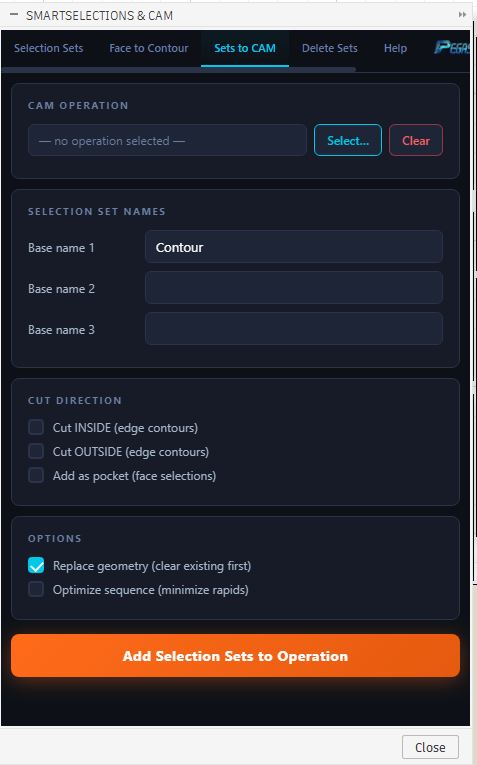
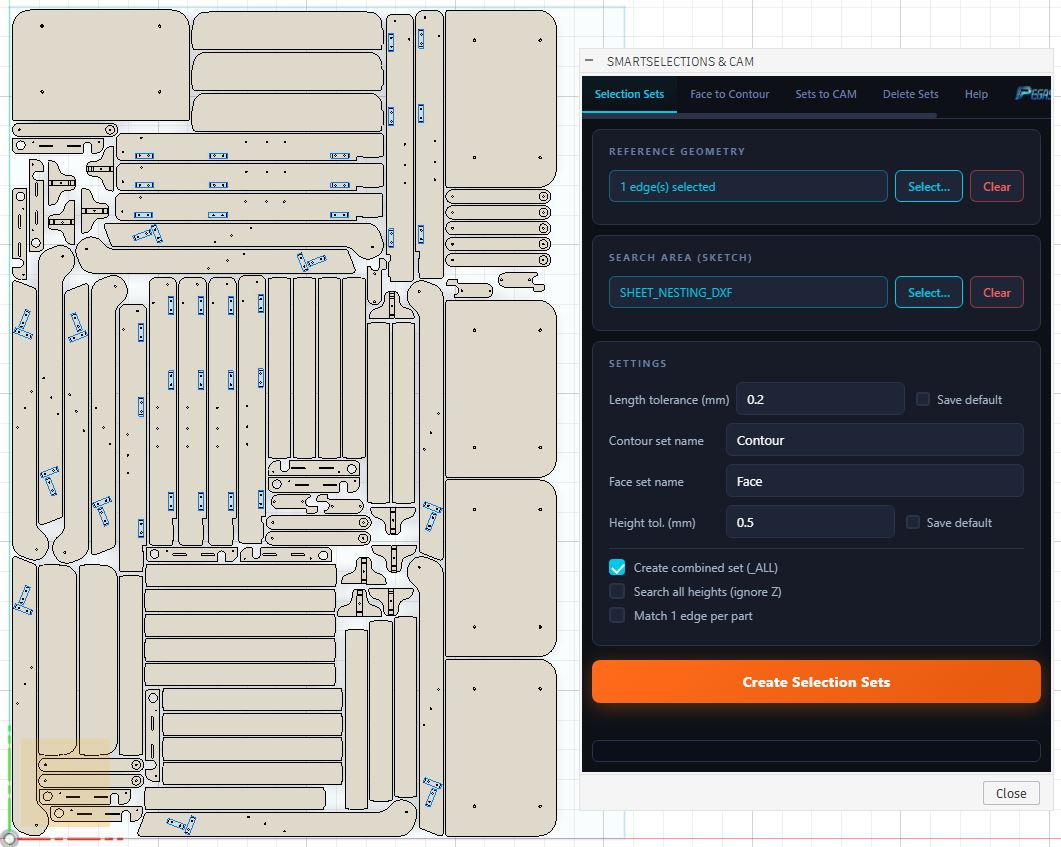
Pegas SmartSelections + CAM solves this by automating geometry selection. The add-in scans your sketch, identifies all loops with matching geometries (equal radius, perimeter, or depth), and saves them as named Selection Sets. You can batch select slots for toolpath operations inside CAM instantly, and if the model updates, the selection sets automatically update with it.
High-Performance CAM Programming Features
🎯 Automated Similarity Matching
- Feature: Groups loops based on dimensional properties (area, perimeter, depth, shape).
- Advantage: Matches complex geometries without relying on simple face colors.
- Benefit: Outperforms the hsmworks select similar loops comparison tool by working across multiple separate components and sketches.
🎯 Permanent CAD-CAM Selection Sets
- Feature: Saves selections as persistent named groups in the Fusion model tree.
- Advantage: Keeps references locked even when bodies are modified or moved.
- Benefit: Speed up toolpath selection and ensure your CAM toolpaths regenerate without missing references.
🎯 Multi-Component Batch Selection
- Feature: Scans sketches across all active components in an assembly.
- Advantage: Groups matching holes across different panels simultaneously.
- Benefit: Eliminates the need to open each component individually to select contours.
Case Study: Toolpath Selection in 10 Seconds Instead of 8 Minutes
- Before: A CAD/CAM programmer spent 8 minutes clicking 64 slot contours for a pocketing toolpath on a custom drawer cabinet assembly.
- After: By using Pegas SmartSelections + CAM, the plugin automatically grouped all matching slots into a single set, allowing the toolpath to be programmed in 10 seconds.
- Bridge: Selection sets bridge CAD modifications directly to CAM, keeping toolpath references intact.